
Here is a dilemma most dealers have had at some point. The clearance page is our answer to it.
You have a handful of cars you want gone. Not a fire sale, just a nudge. You would happily knock something off for a buyer who comes to you directly, through your own website. But the moment you drop the price in your system, it drops everywhere. Every marketplace advert changes. Your price position on the portals changes. And the buyer who found you there gets the same deal as the one who found you on your own site.
So most dealers do nothing, or they put a line on the home page saying "ask about our offers" and hope someone does.
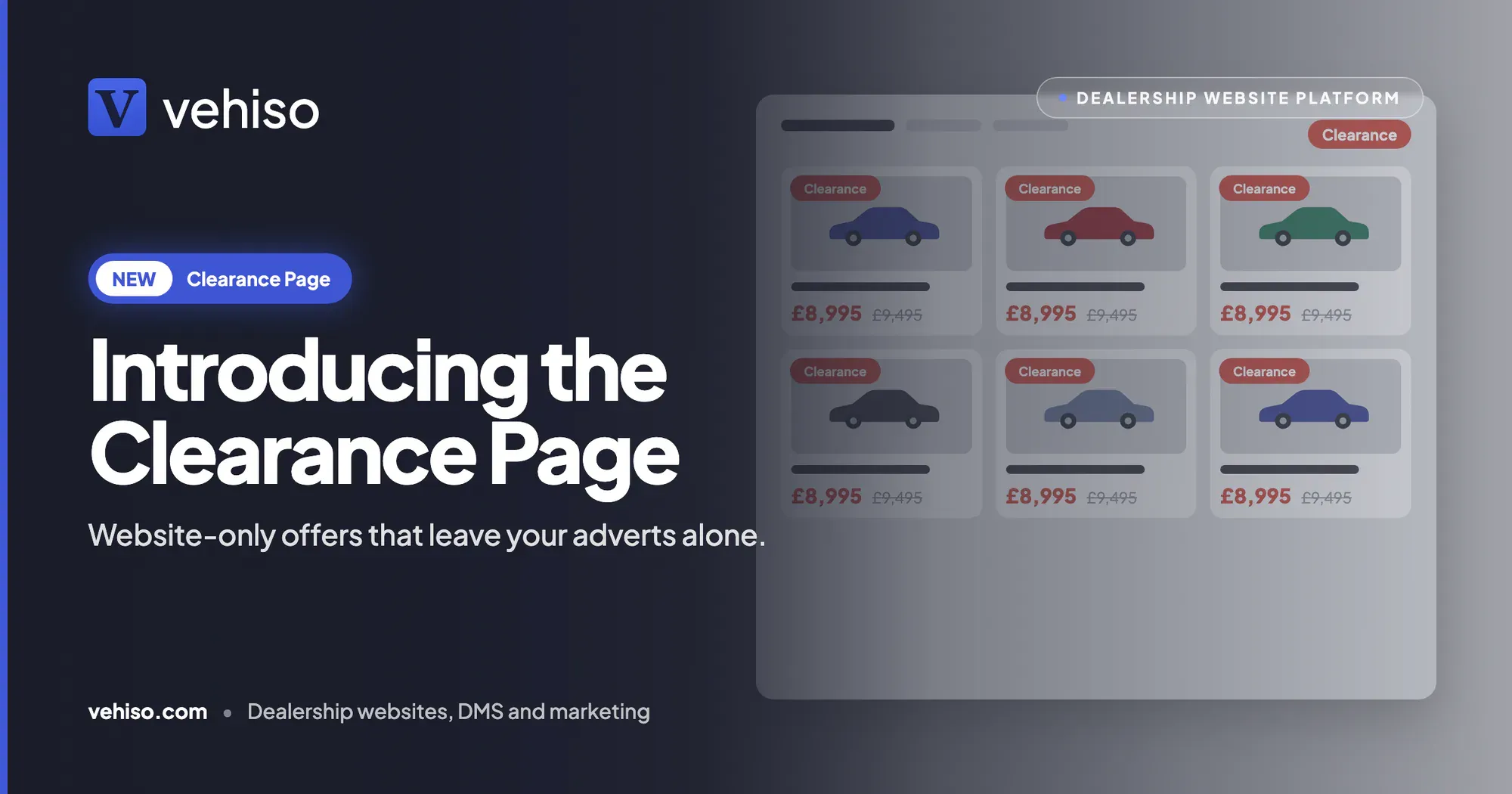
The clearance page gives you a third option. Put a lower price on a vehicle on your own website, show the saving, list it on a clearance page, and leave your marketplace adverts exactly as they were.
Two settings on each vehicle
Both live in the vehicle's pricing in the Vehiso dealer management system, and they are deliberately separate.
A website price. Enter a lower price for your website only. It must be below the vehicle's normal price, so it is always a real saving and never a disguised increase.
On the clearance page, or not. Tick each vehicle you want on your clearance page.
Because the two are separate, you can mix them. A vehicle can have a website price without being on the clearance page. Or it can be on the clearance page at its normal price. Or both. A vehicle with a website price stays off the page until you tick it.
That flexibility is the point. Sometimes you want a quiet offer on one car. Sometimes you want a page of everything you are clearing. Sometimes you want both.
What your visitors see
A website price changes how the vehicle is shown everywhere on your website, and nowhere else.
The saving, shown clearly. The website price is shown as the price, with your normal price struck through beside it, on your stock list and on the vehicle's own page. Visitors can see exactly what they are saving.
One page for everything you are clearing. Your clearance page lists only the vehicles you have ticked, with the same search and filters as your main stock page.
Matches the rest of your website. The clearance page uses your website template's own stock layout, so it looks like every other page on your site rather than something bolted on.
Finance examples follow the offer. Finance examples on your website are worked out from the website price, so the monthly figure matches the price on screen. Nothing undermines an offer faster than a finance example that does not add up to the price above it.
Sorted by the price shown. Sorting by price on your website uses the website price, and so do the answers from your website assistant. A buyer asking for cars under a certain figure gets the price they would actually pay on your site.
Your stock list, your clearance page and the vehicle page always show the same price. No page quietly disagreeing with another.
Your marketplace adverts keep your normal price
This is the part that makes it work.
The website price is for your own website only. It is never sent to the marketplaces.
AutoTrader, CarGurus and your other stock feeds keep sending your normal price. Your adverts, and your price position on those sites, are untouched.
Your Facebook and Instagram catalogue keeps the normal price too. If you run Facebook and Instagram vehicle ads from Vehiso, they carry on exactly as before.
Every marketplace feed you send from Vehiso continues as it was. If you manage those from the DMS, our post on stock feed management covers how that side works.
That gives your own website something it rarely has: a reason to buy direct. The best price on that car is on your site, and only on your site.
Back to normal when you say
Offers end. Cars sell, or you change your mind, or the month turns over.
Clear the website price or untick the vehicle and it goes back to its normal price and its normal place on your website. No hunting round for leftover banners.
And you keep changing the normal price as you always do. The website price is only used while it is lower than the normal price. If you drop the normal price below it, your website shows the normal price until you set a new website price. So you can never end up advertising a "saving" that is actually more expensive than the car's real price.
Put it in your menu
The clearance page lives at /clearance on your website, on every Vehiso template.
It is not added to your menu automatically, because you might want to fill it before anyone sees it. When you are ready, add Clearance under Administration, Website settings, Navigation, and visitors can find every vehicle you are clearing in one place.
If you are rearranging your menu while you are in there, our guide to customising a car dealer website covers the rest.
How it fits with the rest of your pricing
There are now three different ways to think about a price in Vehiso, and they do different jobs.
Market price comparisons show where a vehicle sits against similar ones for sale near you. They never change a price.
The AI Price Advisor suggests cuts for stock that is not selling. When you apply one, the price changes on your website and on AutoTrader together.
A website price changes the price on your own website only, and leaves every advert alone.
So if the comparisons tell you a car is above the market, you have a choice. Move the price everywhere, or run a website-only offer and see whether that shifts it first.
A few honest limits
It is your website only, by design. If you want the lower price on AutoTrader or CarGurus as well, change the normal price instead. A website price will not reach them.
The page needs adding to your menu. /clearance is live on every template, but visitors will only find it easily once you have added it under Navigation.
A website price has to be lower. You cannot use it to show a higher price on your own site than on your adverts. It only applies while it is below the normal price.
It does not make the decision for you. Which cars go on clearance, and by how much, is still your call. The clearance page just makes the offer visible and keeps the rest of your pricing tidy.
Which plan it is on
Website prices and the clearance page are on every plan, including Free, and they work with every Vehiso website template. They are set from the Vehiso DMS, with nothing extra to pay.
On the Free plan you can list up to five vehicles, so a free clearance page will be a short one. Paid plans start at £49 a month and list more. The full comparison is on the pricing page.
If you have a row of cars you would happily sell a little cheaper to a buyer who comes to you direct, this is the simplest way to say so without touching your adverts. Have a look at the clearance page and set your first website price today.