Sooner or later, every growing dealership asks the same question. Usually it comes from the person who looks after the spreadsheets, or from the web developer your cousin recommended, or from the software company selling you something clever for the workshop. It is the question the Vehiso car dealer API now answers.
"Is there an API?"
What they mean is: can my thing talk to your thing without somebody copying it across by hand. Because right now somebody is. Somebody exports the stock list on a Monday, tidies it up and pastes it into the reporting sheet. Somebody retypes an enquiry from one system into another. Somebody updates a price in two places and forgets the second one on a busy Saturday.
From today, the answer is yes.
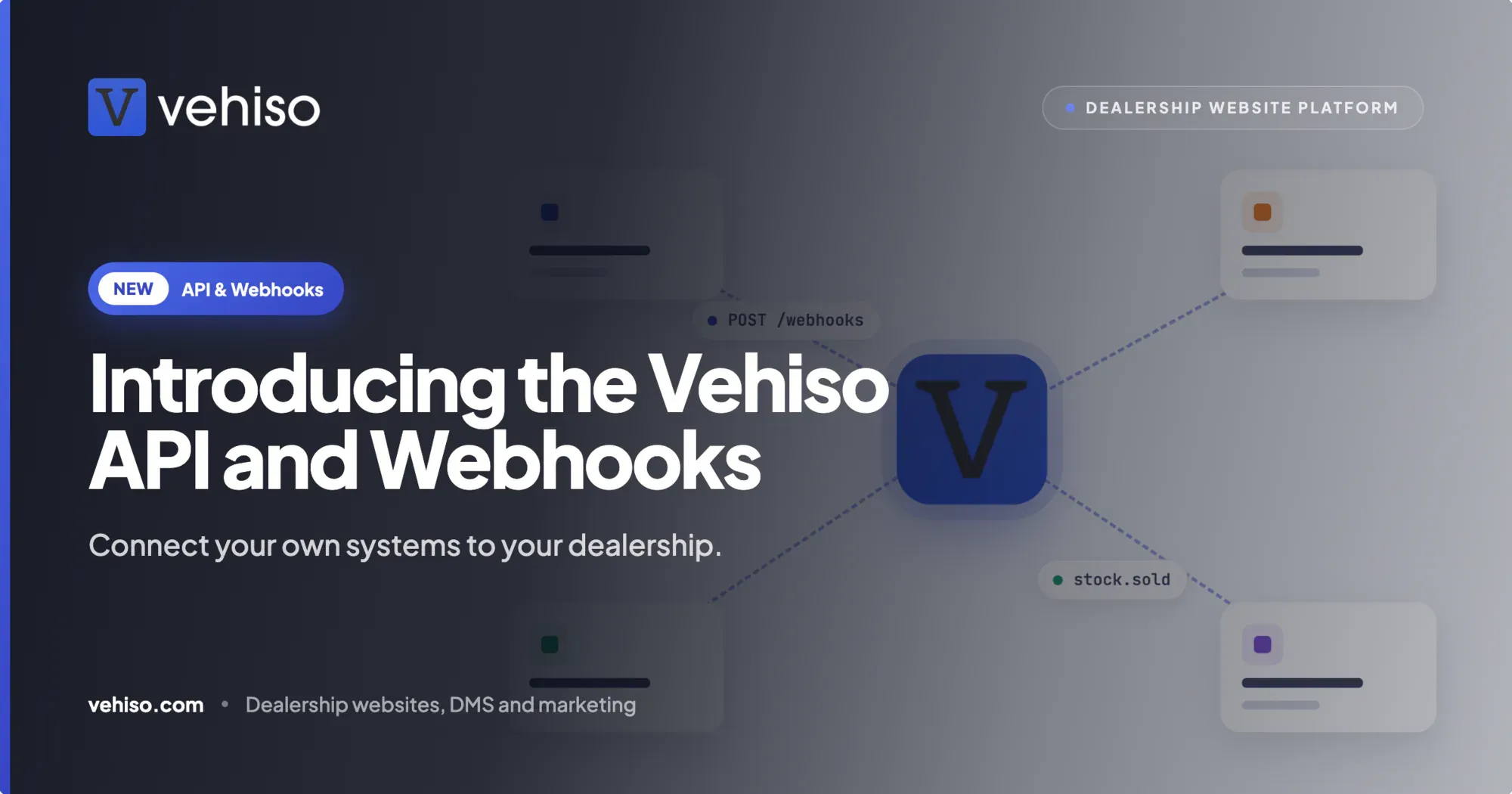
The Vehiso API and webhooks let you connect your own website, systems and tools to your dealership. An API is simply a doorway that lets one piece of software read and update the records in another, under rules you set. It reaches the same records your team already works with in the dealer management system, so nothing has to be copied across and nothing drifts out of step.
The whole dealership, not just the stock list
Plenty of dealer software will let you pull a list of cars out. That is useful, and it is also about a tenth of the business.
The Vehiso API covers the records you actually run the dealership on:
Stock. Vehicles, their status and their images, with batch upload of stock and photos when you have a lot to get in at once.
Branches. The sites the dealership trades from.
Enquiries and notes. Everything in your enquiry inbox, and the notes your team adds to each one.
Customers. Your customer records.
Sales. Deals, invoices and payments.
Appointments. The appointments booked with the dealership.
Workshop job cards. The jobs going through the workshop.
Part exchange appraisals. The appraisals of cars offered in part exchange.
Staff users. The accounts your team logs in with.
AI website themes. Theme builds and versions from the AI theme builder.
Webhooks and events. Your webhook endpoints and the event feed, which we come to below.
Reference lists. The standard lists other records draw on.
The full reference, with every detail a developer needs, lives in the Vehiso developer docs. We keep this post in plain English on purpose. If you are the person who will write the code, the docs are the place to go.
What people build with it
The API is not aimed at one kind of project. These are the six we built it around.
A bespoke website. Show live stock on a site you or your agency built yourselves, and send enquiries and valuation requests straight into your Vehiso inbox. We cover this in detail in building your own dealer website on the Vehiso API.
Stock sync. Keep stock, prices and photos in step with another system you already rely on. Batch upload gets them in, and webhooks keep them in sync.
Reporting and data warehouses. Keep a reporting database up to date by fetching only what has changed since the last time you looked, rather than dragging the whole lot across every night.
Website themes. Request, preview and publish website themes through the AI theme builder from your own tools.
AI assistants. Connect Claude, or any other assistant that speaks the Model Context Protocol, through the Vehiso MCP server and ask about stock, enquiries and appointments in plain English. More on that in connecting Claude to your dealership.
Partner integrations. If you make software for many dealerships, build an app that each dealer approves through OAuth. OAuth is the familiar "allow this app to access your account" screen, so the dealer clicks approve instead of copying keys into your system.
Webhooks: being told, instead of checking
Most of the pain in connecting two systems is knowing when something changed. A car sells. An enquiry comes in. A price drops. If your system has to keep asking "anything new?", it is either slow or it is asking constantly.
A webhook turns that round. It is a message Vehiso sends to an address you choose the moment something happens, so your system hears about it rather than having to look.
Every delivery is signed, so the receiving end can check it genuinely came from Vehiso and not from somebody pretending to be.
A delivery log sits in the DMS. It shows every delivery, and any of them can be resent. When your developer says "I never got that one", you can see whether it went and send it again.
A failing endpoint is switched off, and you are told. If the address keeps failing, Vehiso stops sending to it automatically and emails the dealer. You find out from an email, not from a customer.
Alongside webhooks there is incremental sync. Your system can fetch only what has changed since it last synced. Deleted records are flagged, so a sold car that was removed does not linger in your copy for months. And if a webhook was missed, the event feed lets your system catch up. The longer version is in keeping dealer systems in sync with webhooks.
Keys, and who stays in control
Handing any outside system access to your dealership is a trust question before it is a technical one. So the design starts from the dealer.
A key is the password a piece of software uses to reach your data. Keys are created by a dealer administrator in the DMS under Administration > Developers. Nobody outside the business can issue one for you.
There are three kinds:
Secret keys are for code that runs on a server, out of public view, and for integrations.
Publishable keys are safe to put in the code of a public website. They are for sites that show stock and send enquiries.
Test keys work only against a sandbox, which is a practice dealership of your own filled with demo data. Your developer can build and break things there without going anywhere near a real customer or a real car.
Whatever the key, it acts as the person who owns it. It is limited to the scopes it was given and to that person's current permissions in the DMS, so it can never do more than they could. If a member of staff loses access to sales, so does their key. You can narrow a key further so an integration only gets exactly what it needs, and every request a key makes appears in the request log in the DMS.
We have written up the full picture in car dealer API keys, permissions and the sandbox.
From key to first request
Getting started is three steps.
Create a key. A dealer administrator does this in the DMS under Administration > Developers.
Try it in the sandbox. Use a test key against your own sandbox dealership, filled with demo stock and enquiries. You can reset it from the DMS whenever you like.
Follow the Quickstart. The Quickstart walks your developer through a first request, and the full API reference is alongside it.
A few honest limits
You still need someone who can write code. The API is how software talks to Vehiso, it is not a point and click tool. If you have no developer, the website editor, the stock feeds and the built-in integrations already cover a great deal without one.
A key can only do what its owner can do. That is deliberate, and it occasionally surprises people. If an integration is refused something, the first thing to check is the permissions of the person who owns the key.
The sandbox is demo data, not a copy of your dealership. It is there so nobody experiments on real customers. Anything that depends on your actual stock or history has to be checked against the live system, carefully, once it is ready.
And we keep the technical specifics in the docs, not on the marketing site or in blog posts. If you want to know exactly how something behaves, the developer docs are the source of truth.
Which plan it is on
The split is simple, and it is worth getting right before your developer starts.
Publishable keys are on every plan, the free one included. That means a website you build yourself can show live stock and send enquiries into your Vehiso inbox without a paid plan. The free plan lists up to five vehicles and includes the dealer management system itself.
Secret keys, test keys, webhooks and OAuth apps are on every paid plan. Paid plans start at £49 a month. Every dealer on a paid plan also gets a sandbox dealership of their own.
The full comparison is on the pricing page.
If somebody in your business has been asking whether there is an API, send them to the car dealer API page and the Quickstart. The copying and pasting can stop.