"Hiya, just checking in on the car." The customer portal is built to make that call unnecessary.
Every dealer knows that call. The deal was agreed on Saturday. The buyer is excited, and a bit nervous, and they have no idea what happens between now and handover. So they ring. On Monday to ask if the paperwork is ready. On Wednesday to ask about the finance. On Thursday because they cannot find the email with the order form in it.
None of those calls are unreasonable. They are just the buyer filling a silence. And each one pulls somebody off the forecourt to look something up.
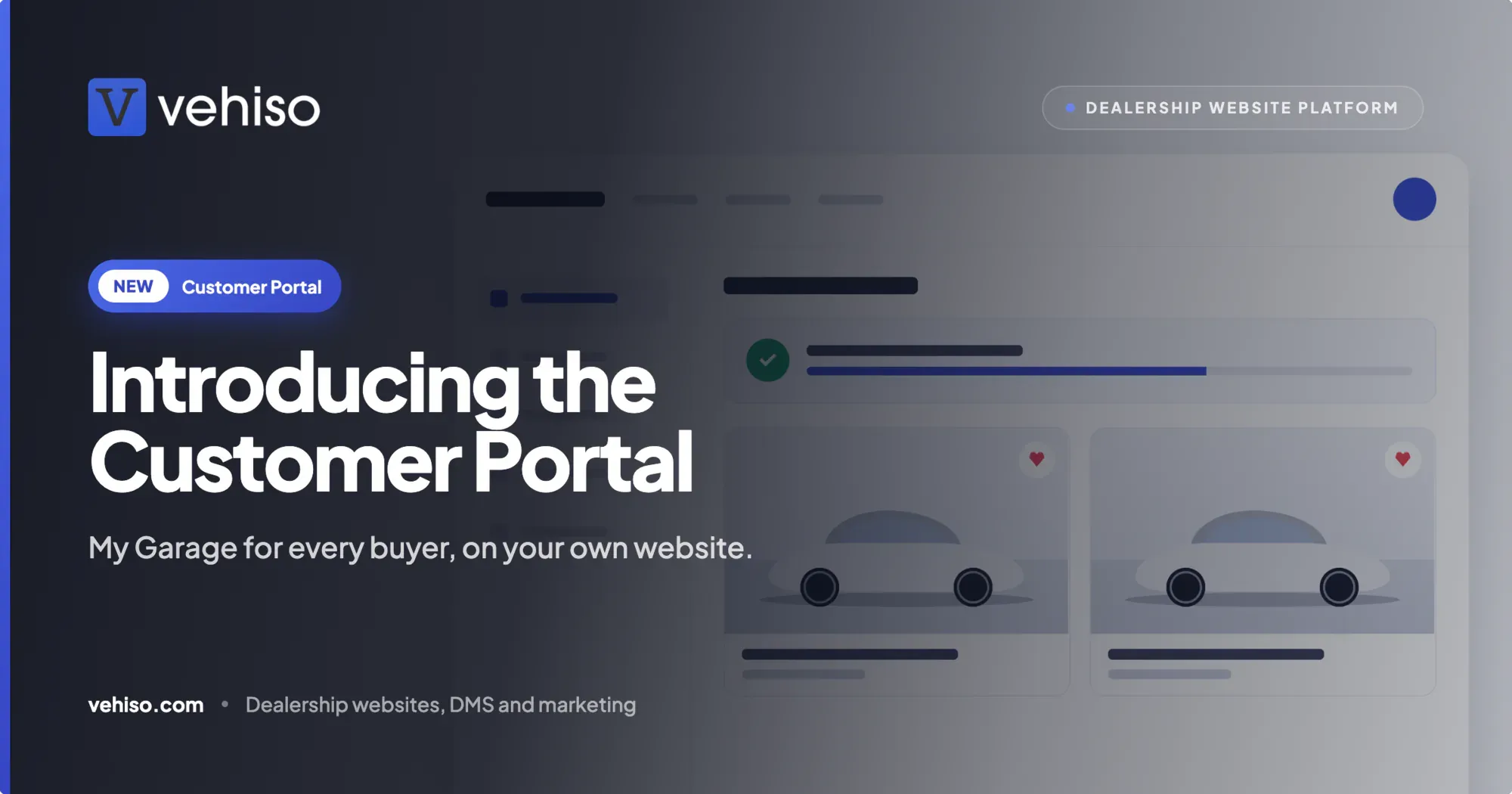
The customer portal fills that silence for them. On your website it is called "My garage", and it gives each buyer one place to see where their order is up to, what is waiting on them, their documents and finance, and when the MOT and service are due.
What your customers see
Everything a buyer would otherwise ring or email you about, on your website, under your name.
Order and timeline. Each shared order with its status, a timeline of what has happened so far, the vehicle, the part exchange and what has been paid.
To do. Everything waiting on them in one list: documents to sign, balances to pay, workshop invoices, health checks, finance questions and review requests. If an order form is waiting for a signature, it sits here with a button next to it.
Documents. Order forms, invoices and signed paperwork you have chosen to share, ready to download whenever they want. No more "can you resend that email?"
Finance. Where their finance application is up to, in the words you choose, and what the lender still needs from them.
My vehicles. MOT and service due dates, warranty and other cover, upcoming workshop bookings and past service history for every car they own.
Saved cars and searches. Cars they have saved from your stock and the searches they want to follow, with an email when a price drops or a matching car arrives.
Messages. A conversation with your team about their order, so questions and answers stay together instead of spread across three inboxes and somebody's personal mobile.
Your details. Who is looking after them, how to reach you and where to find you, taken from your branch details.
Nothing to set up per customer
The part dealers like most is that the portal follows the deals you are already doing. There is no account to create for each buyer and nothing extra to type.
An order is agreed. When a deal reaches an agreed status, it is shared with the customer automatically, or you share it by hand if you prefer. Cars reserved through buy online appear straight away.
The customer gets an invitation. An email from your dealership tells them their order is ready to follow and links to your website.
They sign in with a code. They enter their email address and type in the code you send them. No password to create, forget or reset. The code is single use and expires after 15 minutes.
You stay in touch after the sale. Customers who opt in get a reminder when the MOT or service is due, when cover or finance is ending, and alerts for price drops and new stock. Each one is sent once, in the morning, in your time zone.
That last step is quietly the most valuable. The sale is not the end of the relationship. A buyer who gets a friendly MOT reminder from you in eleven months' time has a reason to book it with you, and a reason to think of you when they change the car.
You stay in control
The portal shows customers what you decide to show them, and nothing more.
Turn it on when you are ready. The portal is off until you switch it on, and you can switch it off again at any time.
Share automatically or by hand. Share orders as soon as they are agreed, or choose each one yourself from the order.
Choose which documents appear. Show or hide each document individually. Internal paperwork and your costs are never shown.
Set the finance status customers see. Give the customer a plain status and a short note, without exposing anything from the lender you would rather keep internal.
Reply from the order. Customer messages arrive on the order in the office, where your team can answer with the whole deal in front of them.
See who has looked. Check when a customer last signed in and which documents they have downloaded before you pick up the phone. If they downloaded the order form yesterday, you know where the conversation starts.
Part of your website, not a separate app
Customers stay on your domain, with your branding, from the moment they sign in. There is no third-party app to download and no other company's logo in the corner.
Every template. The portal is built into your Vehiso website, so it works with whichever template you use and follows its layout and typefaces.
Your brand colour. Buttons, tabs and highlights use the colour you have set for your website, so the portal looks like the rest of your site.
Seven languages. The portal and its emails are translated into British and American English, German, French, Spanish, Italian and Dutch, following your website's language.
Private by design
Customers only ever see their own records, and they stay in charge of their data.
Only orders you have shared, and records sent to the customer's own email address, are shown. Draft deals, internal notes and your costs are never shown. The session stays on your own domain; customers never sign in anywhere else.
Customers can download a copy of their data or ask for their account to be deleted, and they choose which reminders and alerts they receive, changing that whenever they like.
How it connects to the rest of Vehiso
The portal is where a lot of other features come together for the buyer.
Electronic signatures. Order forms waiting for a signature appear on the customer's To do list. More on that in our guide to electronic signatures for car dealers.
Online payments. Deposits and balances can be paid from the portal with a card. If your buyers prefer other ways to pay, our posts on PayPal and Square cover how those providers fit with Vehiso.
Workshop. Bookings, health checks and invoices from your workshop appear under My vehicles. See workshop management for car dealers for how that side works.
Put together, it looks like this. A buyer reserves a car online on Thursday night. On Friday morning they get an email inviting them to follow their order. They sign the order form from their To do list over lunch, and see the balance waiting for them. When the car is ready, the timeline says so. Nobody rang anybody to ask.
A few honest limits
The portal shows what is in your DMS. If a deal has not reached an agreed status, or you have chosen to share by hand and have not shared it yet, the customer will not see it. That is by design, but it means the portal is only as current as your orders.
The finance section shows the status and note you choose. It is not a live feed from the lender, and it will not tell the customer anything you have not told it to.
Reminders go only to customers who have opted in to them. If a buyer says no to MOT reminders, they will not get them.
And it will not stop every phone call. Some buyers like to ring, and that is fine. What it stops is the call that only exists because the buyer had nowhere else to look.
Which plan it is on
The customer portal is included on every paid plan, from £49 a month, at no extra cost. It is not available on the Free plan.
Once you are on a paid plan, it is off until you switch it on, so you can get your order statuses and documents the way you want them first, then turn it on when you are ready.
If "just checking in" calls take up more of your week than they should, give your buyers somewhere to look instead. See how it works on the customer portal feature page, or compare plans on our pricing page.