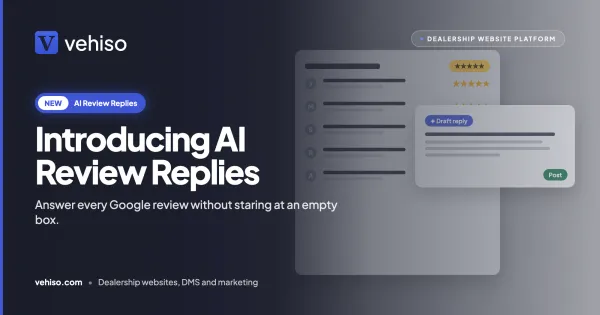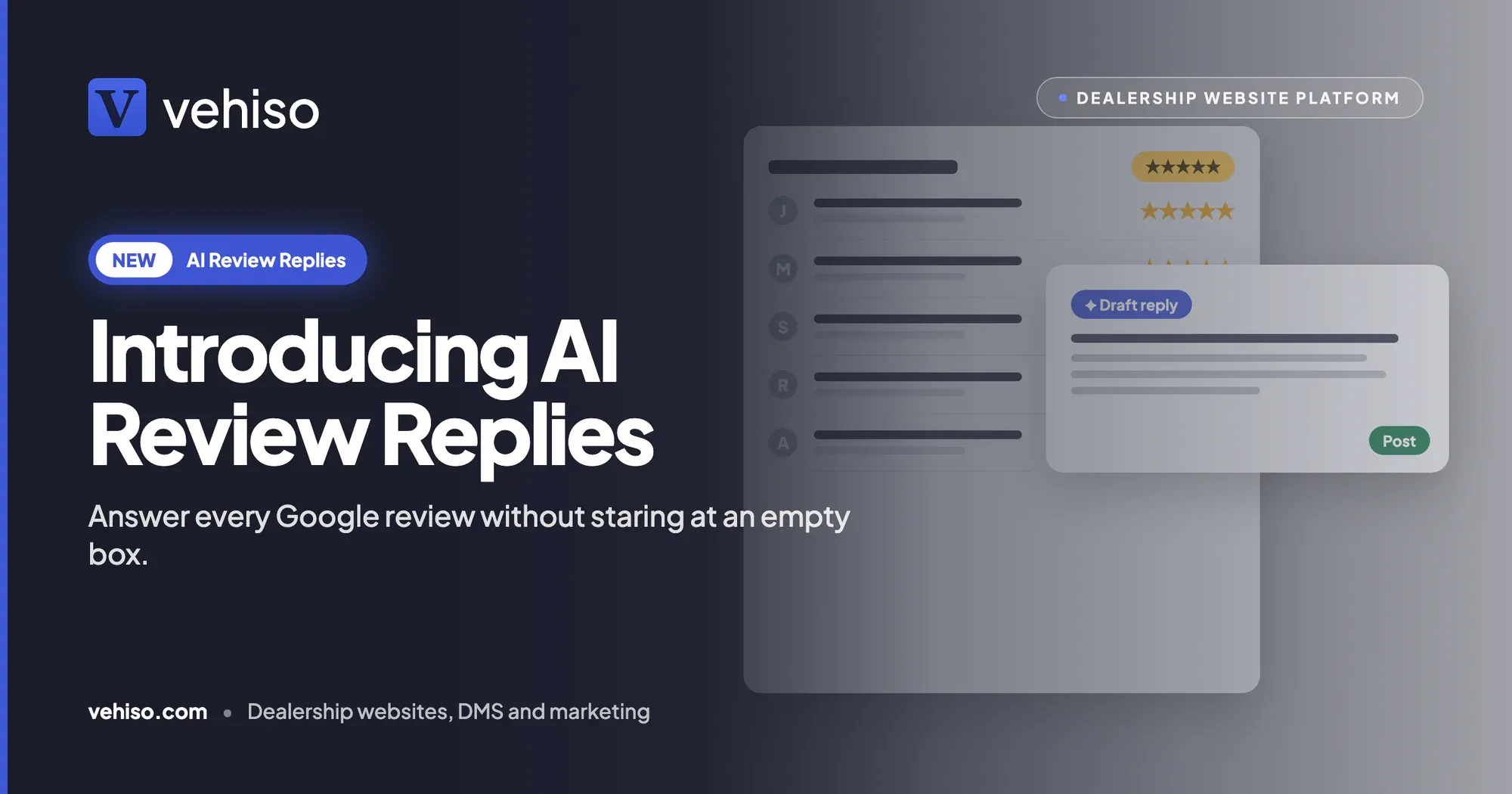
It is 9:15 on a Friday night and a one-star review has just landed on your Google profile. The customer says the vehicle was not ready at the agreed time and nobody rang to say why. AI review replies draft a calm answer for you to check and post.
There are two ways this usually goes.
You reply there and then, still annoyed, and explain at length why it was not your fault. It reads like an argument, because it is one, and it sits under your name for the next five years.
Or you decide to deal with it on Monday. Monday is busy. So is Tuesday. Three weeks later the review is still there with no answer under it, and every buyer who checks you out on Google sees a complaint you apparently did not care about.
Meanwhile the five-star reviews from happy customers have been piling up too, and nobody has thanked any of them. Not because you do not appreciate them, but because writing forty slightly different thank-yous is nobody's idea of a good afternoon.
AI review replies are built for exactly this. Every review gets a sensible draft, and your team decides what actually goes on Google.
What it does
New Google reviews come into the Reviews page of your dealer management system from your Google Business Profile. When one arrives, Vehiso drafts a reply to it automatically, picking up on what the customer actually said.
Someone in your team reads the draft, makes it theirs and presses Post to Google. The reply appears under the review. That is the whole job.
Here is the shape of it. A customer writes:
Really easy from start to finish. The vehicle was spotless and Dan talked us through everything at handover.
And the suggested reply reads:
Thank you, Sarah. We are so pleased the handover went smoothly and that you are happy with your new vehicle. Dan will be glad to hear it too. Enjoy the drive, and do get in touch if you need anything.
It mentions Dan because the customer did. It mentions the handover because that is what she enjoyed. That is the difference between a reply and a stock line pasted under every review.
Three kinds of review, three kinds of reply
Happy customers get a specific thank-you. A warm reply that picks up on what they enjoyed, not "Thanks for the review!" repeated forty times down the page.
Complaints get a calm reply. For a critical review, the draft recognises the customer's experience and invites them to get in touch to put it right. It does not argue in public. Back to that Friday night one-star: instead of the angry version or the silence, you get a polite, measured reply to check over, ready to post whenever you have read it.
Star-only reviews still get an answer. A rating with no words gets a short, sincere reply, so it does not look as though you only respond to people who wrote an essay.
You stay in charge of what is said
This is the part that matters most, because it is your dealership's name on every reply.
Nothing is posted automatically. Every reply waits for someone in your team to check it and press Post to Google.
No phone numbers, email addresses or links. Drafts never include them, so nothing gets promised on Google that you have not agreed to. If you want to add a direct line for an unhappy customer, you add it yourself.
No offers. On a bad review it will not offer a refund, a discount or a free service. If you decide to make an offer, that is your call and your words.
Edit, ask again or save it for later. If the draft is close, change a line. If it is not right, press Suggest another. If you want to think about a complaint overnight, save it and come back.
Edit a reply that is already live. If you post something and later want to change it, edit it in the DMS and post again. The new reply replaces the old one on Google.
Recent reviews only, so you are not buried
When you first connect your profile, you might have years of reviews behind you. We did not want you opening the Reviews page to find a mountain of drafts for reviews from 2021.
So drafts are written automatically only for new reviews from the last 30 days that have not been answered. For anything older, open the review on the Reviews page and press Suggest a reply. Working back through a backlog is entirely up to you, at your own pace.
Know when a review arrives
A review you never see is a review you never answer.
Switch on the new Google review alert in your notification settings and you hear about each one by email or as a push notification on your phone. Nobody is signed up to it automatically, so turn it on for the people who should be watching, whether that is the owner, the sales manager or whoever looks after customer care.
Posting with or without a connected profile
Connected. Connect your Google Business Profile under Administration > Reviews in the DMS, and replies post straight to Google without anyone leaving Vehiso.
Not connected. You still get the drafts. Copy the reply and paste it under the review on Google yourself. It is one extra step, but the hard part, finding the right words, is done.
Connecting has a second benefit. Your best reviews can show on your Vehiso website too, which is more useful than a row of stars nobody can read. The wider picture is on the reviews and reputation management page.
Why replies are worth the effort
Your Google profile is often the first thing a buyer sees before they ever reach your stock list. They read the reviews, and they read how you answered them.
A complaint with a calm, reasonable reply under it tells a buyer you take problems seriously. A complaint with nothing under it tells them something else. And a page of happy reviews with personal thank-yous looks like a dealership that knows its customers by name.
We have written more on this in our guide to car dealer reviews, and on getting the rest of your profile right in local SEO for car dealers.
Where it fits
Review replies are one of a set of AI features in the DMS that each take the blank page out of a job your team already does.
AI lead replies draft the first answer to a new enquiry from the real details of the vehicle asked about. AI workshop write-ups turn a technician's quick note into an explanation a customer can follow on their health check report. The pattern is the same each time: AI writes the first draft, and a person decides what goes out.
A few honest limits
It covers Google reviews. Replies are drafted for Google reviews of your dealership, coming in from your Google Business Profile. Reviews left on other sites are not part of it.
It drafts, it does not fix the problem. A good reply to a complaint is the start of putting things right, not the end. Ringing the customer, sorting the issue and learning from it is still your team's work.
It will not add contact details or offers. That is deliberate, but it means if you want to give an unhappy customer a direct number or a gesture of goodwill, you need to type it in yourself.
Automatic drafts cover the last 30 days. Older unanswered reviews need a press of Suggest a reply.
Read before you post. The draft picks up on what the customer said, but you know the full story behind it. It is your name under every reply.
Which plan it is on
AI review replies are included on every paid Vehiso plan, from £49 a month, alongside the other AI features, with no charge per reply. They are not on the Free plan. If you would rather not use them, switch drafting off under AI features in the DMS at any time.
The full plan comparison is on the pricing page.
If you have a list of Google reviews you have been meaning to answer for months, this is the quickest way to get through it, and the easiest way to make sure the next one does not sit there. Have a look at AI review replies and see what it would write for your most recent review.